Draw a room
The room closes into a polygon and becomes editable immediately.
Lightingdesigner.io combines floor plan import, room-specific lux targets, real LED products, furniture lighting and export-ready documentation into a single workflow.
In the app, you can draw the floor plan, rooms, luminaires, furniture, and lux data in the same view.
An embedded video helps visitors understand the core idea quickly before opening the full app.
These 2–5 second loops show the core planner actions without forcing the visitor to open the full app right away.
The room closes into a polygon and becomes editable immediately.
Import a PDF or image before tracing rooms and lighting on top.
A fixture or LED line drops into the room and the effect appears right away.
Furniture stays in the same plan and can also drive furniture lighting logic.
Filters narrow the catalog quickly to the right downlights, profiles, or furniture lights.
You do not need one tool for floor plans, another for lux, and a third for product lists. The key steps stay together from the first room to the final output.
Import a PDF or image, trace the rooms, and continue directly into design without extra setup.
Downlights, LED strips, profiles, and furniture lighting stay in one shared room view.
See lighting levels and room-type target ranges while you change placement.
The finished plan can be shared as a PDF and the selected products stay attached to the same project.
You can see the running product cost of the project at all times, with spots, LED strips, profiles, and control gear grouped room by room.
Request a quote for the products directly from a lighting supplier. A simple way to budget project costs. (More suppliers will be added gradually.)
Import a full-property PDF or image, trace rooms on top and continue with detailed room design.
Room types, target ranges, furniture, indirect light and cabinet lighting all feed the same estimate.
Select spots, LED strips, profiles and control products from a product-aware catalog instead of building the room from disconnected notes.
Plinths, task lighting and top-of-cabinet lighting are part of the lighting model and the grouped control view.
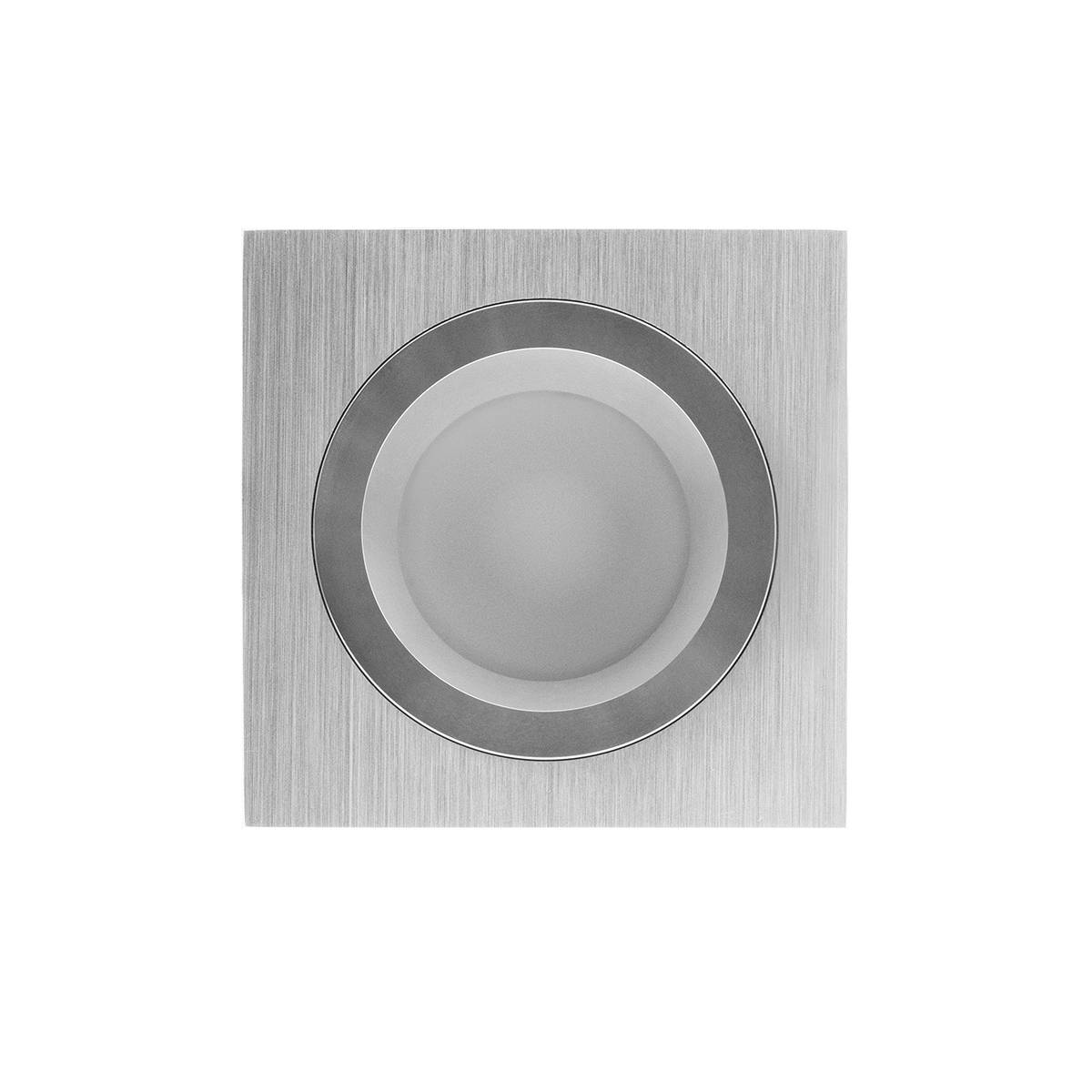
Shape, finish, control mode, beam, CRI and color temperature belong inside the design flow.
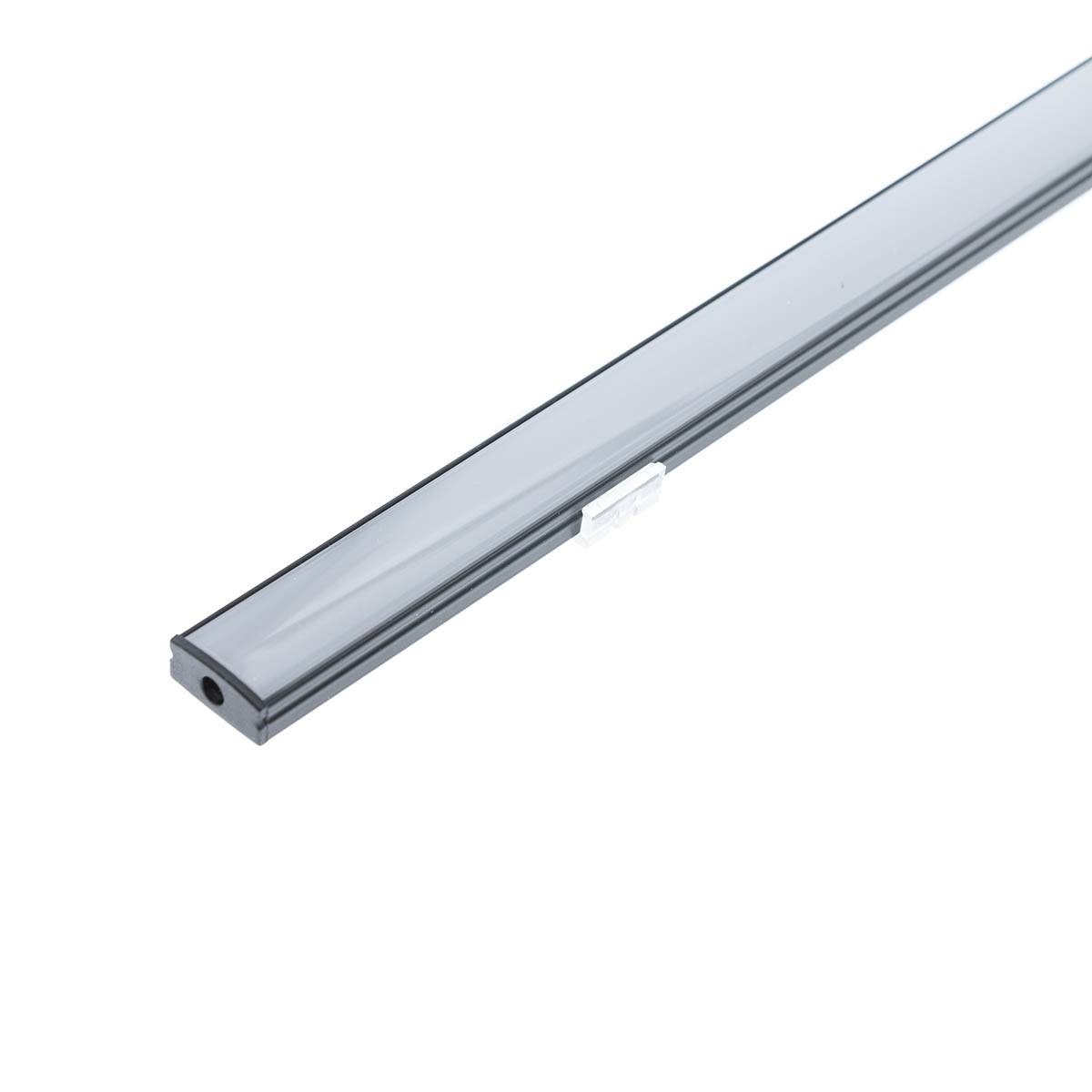
Direct, indirect, surface, recessed, wall-mounted and furniture-mounted logic drives product selection before drawing starts.
Design a single room or a full property. Scale can be calibrated later using one known wall dimension.
Room type drives recommendation ranges, auto suggestions and makes the design easier to understand for the customer.
Downlights, LED lines, furniture and furniture lighting stay in the same visual model.
Room-specific views, recommended lux ranges, grouped outputs, product lists and a shareable result come from the same plan.
Try different lighting ideas quickly for a kitchen, living room, bedroom, or workspace.
Import the full property floor plan and go through each room inside the same project.
See how luminaires, LED strips, furniture, and lighting levels change the final feel.
Yes. You can import a PDF or image floor plan, draw rooms on top and continue room by room.
The app calculates lux estimates, heatmaps and room-type recommendation ranges. It is not just a visual planner.
Yes. The same project can generate room-specific PDFs, product breakdowns, and a shareable final result.
Yes. Plinth lighting, task lights and top-of-cabinet lighting are included in the model and in grouped controls.
The current beta uses a browser-side session. Real Google and Apple SSO will be connected with backend auth in production.